
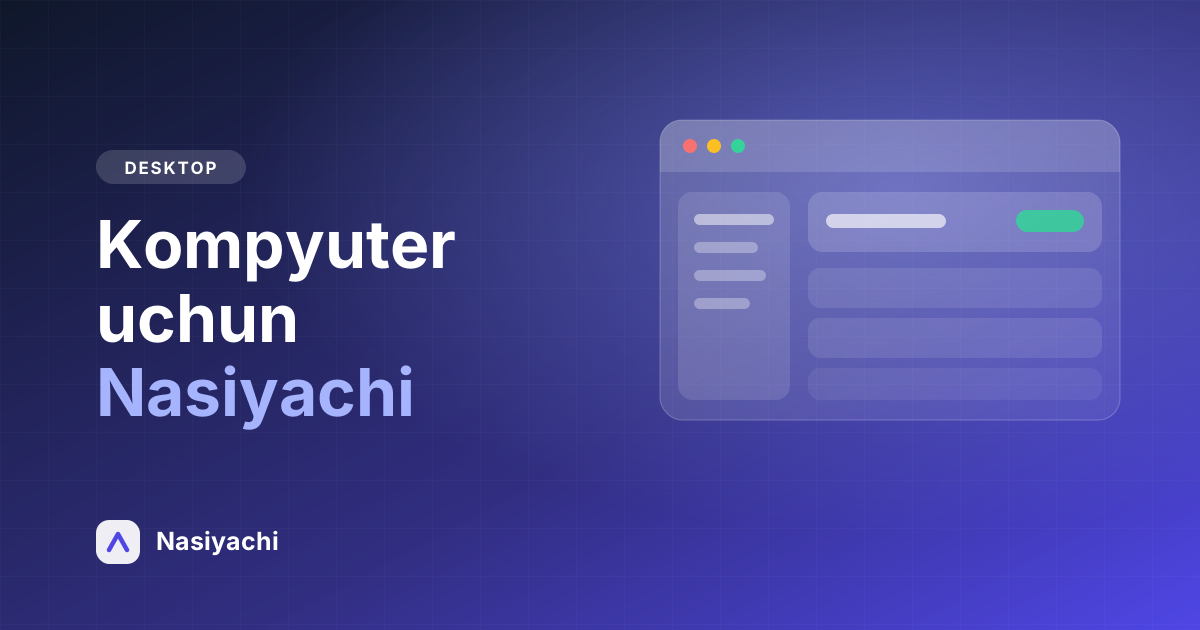
Nasiyachi on your computer: the Windows app
A full desktop app for the computer in your shop or office. A large screen, a keyboard and quick actions make the working day noticeably faster.
Why a desktop app
A phone is handy on the move, but for someone standing at the counter all day a small screen is a limit. On a computer the client list, the debts and the reports are visible at once — no jumping between screens.
It is all one account: a debt written on the phone shows up on the computer immediately, and the other way round.
Quick actions always at hand
Your balance and SMS credit are always visible in the top bar. The “Add debt” button works from any page: pick the client from the search, type the amount and a note — done.
The reports section shows total debt, today's debts and payments, recent activity and the list of debtors — all on one screen.
It updates itself
When a new version ships, the app downloads it in the background and asks you once: update now or later. No going back to the website to download it again.
Installing needs no administrator rights either — the app installs into your own user profile.
How to install
Press “Download for Windows” on our site and run the downloaded file, then sign in with your usual phone number and password.